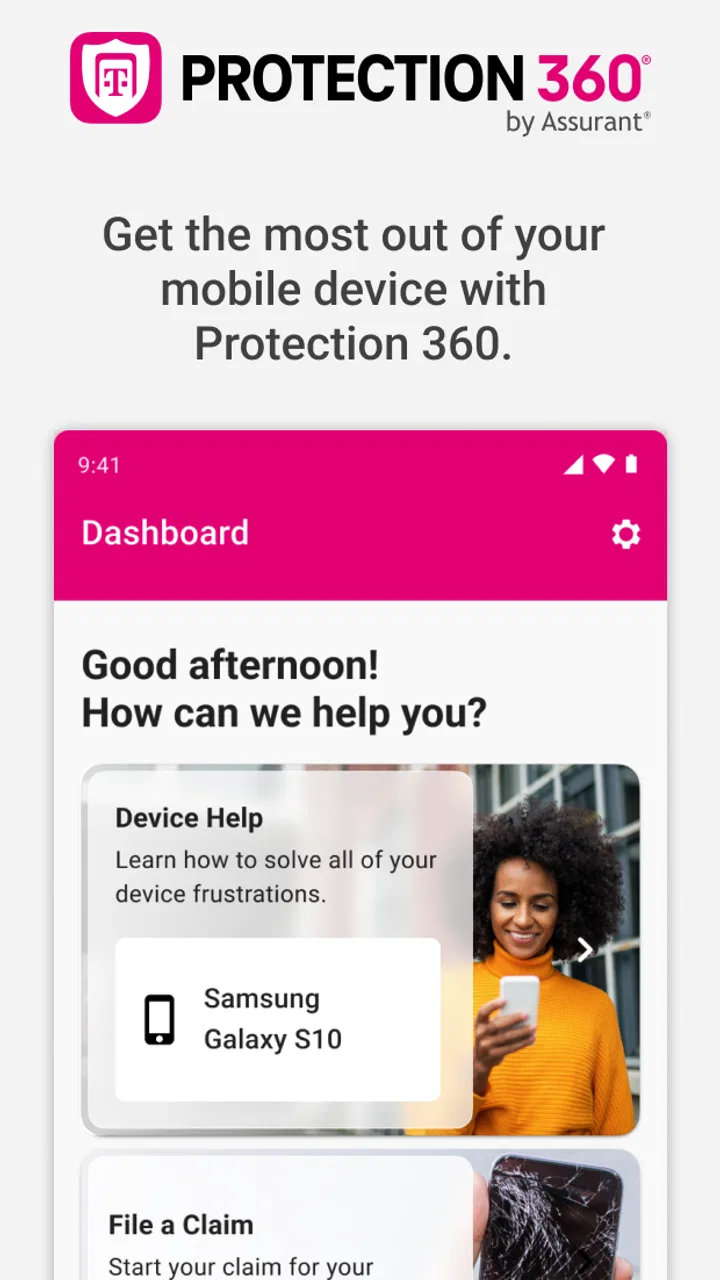
Protection 360®
- 4.4
- Rating
- 1.00M
- Installs
- Free
- Price

 Analysis by App-foxy
Protection 360™ is a business app from T-Mobile USA that I would describe as a companion for customers who want to make use of their device protection benefits without starting from a desktop browser or searching through account pages. The store summary is brief, but the practical value is easier to understand when you look at the moments in which people actually open it: after a damaged phone, when a device problem needs attention, or when you want to check what help is available before deciding what to do next.
I found the app most useful as a focused starting point rather than a complete replacement for every support route. It is free, rated for Everyone, and available for devices running operating system version 12 or later. That makes it approachable for many current phones, although anyone using an older device should check compatibility before planning around it. Its average rating of 4.4 from around 29 thousand ratings suggests that many users find it worthwhile, while the experience can still depend heavily on account access, the condition of the phone, and the particular protection situation.
Where people usually get stuck
The first point of friction is often expectation. A protection app sounds as though it should solve a damaged-device problem in a few taps, but the app is better understood as an access point to benefits. It can help you begin the right process, yet it cannot make a cracked screen, a missing phone, a locked account, or a connectivity problem disappear. If you open it expecting an instant replacement decision, you may feel disappointed even when the app is working normally.
You May Also Like

 Blood Strike: 2.5 Anniversary
Blood Strike’s Loadouts Turn Every Drop Into a Tactical Gamble
A close look at Blood Strike’s custom loadouts: how fast access to signature weapons reshapes its battle royale rhythm, rewards preparation, and narrows the gap between fights.

 Pandora - Music & Podcasts
Pandora’s Music Is Easy to Start, but Harder to Recover
Pandora’s strength is its low-effort path from a seed to a station. Its weak spot is how much confidence it asks you to place in connection, setup, and quiet recovery.

 8 Ball Pool
 Is Built on Rivalries, Rematches, and Routine
A close look at the rivalries, rematches, shared routines, and unanswered safety questions that turn a quick pool match into a persistent mobile community.

 Samsung Music
’s Quiet Strength Is Playing What You Already Own
Its reach comes less from spectacle than from dependable access to a personal library. That simplicity is both the app’s strongest retention engine and its ceiling.

 AccuWeather: Weather Radar
AccuWeather Review: A Quick, Clear Forecast for Everyday Decisions
For everyday plans, the best forecast is the one you can understand quickly. AccuWeather makes rain timing, radar, and local conditions easy to act on, with a few trade-offs.

 Hill Climb Racing
Why Hill Climb Racing Still Turns Crashes Into One More Run
A tiny car, a bumpy hill and one more upgrade: Hill Climb Racing keeps resurfacing because its simple chaos makes every near-miss feel personal.
More From Our News Desk



Another common stumbling block is account context. Protection benefits are connected to the relevant T-Mobile customer relationship and device, so the app needs to recognize the right account information. If you are signed in with a different T-Mobile profile, helping a family member from your own phone, or using a device that has recently changed, the information shown may not match what you expected. In that situation, repeatedly tapping the same option is unlikely to help; checking the account identity and device details is the more sensible first move.
I also recommend distinguishing between an app problem and a claim or support problem. If the app opens but a particular benefit screen does not progress, the issue may involve the account or the request itself rather than the installation. Conversely, if the app closes immediately, refuses to load its opening screen, or behaves strangely before you reach account-specific content, basic device troubleshooting becomes more relevant.
The small amount of public feedback around any app can hide this difference. Protection 360™ has around 2.6 thousand written reviews, but individual experiences can vary because users arrive with different devices, accounts, and urgent situations. I would not judge it only by whether someone received the outcome they wanted. A protection request can be denied, delayed, or redirected for reasons outside the app, while the app may still have done its job as the place where the process begins.
What to check before blaming the application
Before opening it during an emergency, make sure the phone has enough battery and a stable connection. This sounds obvious, but protection tasks are often started when a phone has already been damaged or is behaving unpredictably. A weak connection can make a page appear frozen, especially when the app is trying to retrieve account-specific information. Switching between a reliable Wi-Fi connection and mobile data can help identify whether the problem is local connectivity.
It is also worth confirming that the phone meets the minimum operating-system requirement. The current version is 3.454.0, and the listed minimum is operating system version 12. If the device is below that requirement, installing or updating may not be possible through the normal route. In that case, using a newer compatible device or another official T-Mobile support channel is more realistic than repeatedly reinstalling the same application.
Keep your T-Mobile sign-in details available, but avoid guessing passwords over and over when you are under pressure. A locked or confused sign-in state can make the app appear less useful than it is. If you are assisting someone else, let the account holder handle authentication rather than assuming your own login will expose another person’s protection information.
Finally, note the device involved before starting. If a household has several phones on one account, selecting the wrong line can lead to a confusing review of benefits. I find it helpful to identify the affected phone by its line or recognizable device details first, then begin the protection workflow. That simple pause prevents a surprisingly avoidable mistake.
Setting up with fewer surprises
Installation itself is straightforward when the phone is compatible, but the best setup is not just downloading the app and forgetting about it. After installing, I would open it while the device is still working normally, sign in carefully, and look around the available protection area. This gives you a chance to understand where the relevant information lives before you are dealing with a broken display or a missing handset.
That early visit also helps reveal whether the app recognizes the account and the expected device. If the wrong line appears, or the protection information does not look familiar, it is much easier to investigate while you still have access to the phone and other account tools. Waiting until the device is damaged removes useful options, particularly if you need to read a verification message or remember account credentials.
Because the app is free, there is no separate purchase decision to make before trying it. However, “free” should not be confused with universal eligibility for every protection outcome. The app provides access to the benefits associated with the customer’s situation; it does not turn an uncovered device into a covered one. I would treat the installation as preparation, not as proof that every possible repair or replacement path will be available.
Protection 360™ was released on May 4, 2017, and has continued to receive updates. That history is reassuring in one narrow sense: it is not an abandoned experiment that appeared briefly and vanished. Still, a long-running app can encounter compatibility issues as phones and operating systems change. If an update is available, I would install it before starting an important request, provided the phone has enough charge and a dependable connection.
One practical habit is to avoid doing all setup on a phone that is already failing. If the screen is intermittently responsive, the battery is unstable, or the device is overheating, use another compatible device for account preparation when possible. This does not change the protection decision, but it can prevent the app session from being interrupted at the worst moment.
Recovering when a workflow stops
When a screen stops responding, I prefer a calm sequence instead of immediately deleting the app. First, wait briefly to see whether the page is still loading. Then close and reopen the app, check the connection, and try again. If the issue continues, restart the phone. These steps are basic, but they separate a temporary session problem from a more persistent account or compatibility issue.
Be careful with repeated submissions. If you tapped a request button and the screen did not visibly change, submitting it again and again can create uncertainty about what has already been received. Before retrying, look for any confirmation, status change, message, or account update that indicates the action went through. If you cannot tell, moving to another official support route may be safer than generating duplicate attempts.
A useful recovery workflow is to write down what happened before contacting support: the device involved, the step where the app stopped, whether the connection changed, and whether the app displayed an error. This is more helpful than saying only that “the app does not work.” It gives the next person a way to determine whether the problem is with sign-in, account recognition, loading, or the protection process itself.
If the phone is lost or unusable, the app may no longer be the most convenient tool, even if it remains relevant to the benefit. Trying to operate a protection workflow on a device you cannot access is obviously impossible. In that scenario, use another compatible phone or an official T-Mobile support option, and keep your account information ready. The key point is that the app is one route, not the only practical route in every emergency.
For a damaged phone that still works, take care of your information before spending time inside the app. Back up important content if the device remains stable, and avoid actions that could worsen physical damage. Protection assistance and personal data recovery are separate concerns. An app can help you reach device protection benefits, but it should not be treated as a backup system or as a guarantee that every photograph, message, or document will be recoverable.
There is also a difference between a stalled interface and a disappointing result. If the app loads correctly, recognizes the account, and guides you to the next step, but the outcome is not what you hoped for, reinstalling it will not necessarily change that result. At that point, read the explanation carefully and contact the appropriate T-Mobile channel if you need clarification. Technical troubleshooting is useful for access problems, not for bypassing eligibility decisions.
When another tool is the better choice
The usual alternatives are a web browser, direct T-Mobile support, or in-person help. A browser can be more comfortable when you need to read a long explanation, compare account details, or work on a larger screen. Direct support is better when the account is complicated, authentication is failing, or the device is unavailable. A store visit can make more sense when the phone has physical damage and you need human guidance about the next step.
That comparison clarifies where Protection 360™ fits. Its advantage is focus: you can start from a phone rather than navigating a broad carrier website. Its weakness is that a focused mobile experience may not be enough when the problem involves several lines, uncertain account ownership, or a phone that cannot reliably stay online. I would use the app first for a straightforward, recognized device, then switch channels if the situation becomes account-heavy or physically urgent.
It is also not the right choice for someone looking for a general device-maintenance utility. This is not a battery optimizer, file manager, insurance marketplace, or repair tutorial. The relevant question is whether you use T-Mobile device protection benefits and want a convenient mobile entry point. If you do not have a reason to manage those benefits, the app may have little daily value.
Families and shared accounts should be especially deliberate. The person holding the phone is not always the person responsible for the account, and a familiar-looking device name does not remove the need to verify the correct line. Taking a moment to involve the account holder can prevent privacy confusion and reduce the chance of starting the wrong workflow.
My practical verdict
After looking at it as a real-world tool rather than a promise of instant repairs, I see Protection 360™ as a useful, narrowly focused app. I would recommend installing it before trouble happens if you are a T-Mobile customer who relies on device protection. The strongest benefit is preparedness: you can become familiar with the entry point, confirm that your compatible phone can run it, and avoid learning everything while staring at a damaged screen.
My recommendation comes with a clear condition: keep an alternative support route in mind. The app is most convenient when the phone works, the account is correctly recognized, and the request is uncomplicated. A browser or direct assistance becomes preferable when authentication fails, the device is missing, several lines are involved, or the screen and connection are too unreliable for a mobile workflow.
With more than a million installs, it is clearly used beyond a small group of early adopters, and the Everyone rating makes it suitable from an age-classification standpoint. Those details do not guarantee a smooth result for every account, but they support my view that this is a legitimate utility worth having when its purpose matches your needs. I would not install it expecting daily entertainment or broad account management; I would install it as a prepared doorway to protection help.
In short, Protection 360™ is most valuable before the emergency. Open it once, check that the correct account and device are visible, keep the app updated on a compatible phone, and remember that a stalled screen may require basic connection or device troubleshooting. If the app works but the protection outcome needs explanation, move to official support rather than repeating the same taps. For T-Mobile customers who want a mobile-first way to reach their device protection benefits, that balance makes it a sensible free addition, while users outside that situation will probably be better served by leaving it alone.
FAQs for Protection 360®
01What is Protection 360™ and how does it work?
Protection 360™ is a comprehensive device protection app that offers coverage for accidental damage, hardware service, and theft. It works by providing users with various features like screen repair, device replacement, and tech support. Once installed, users can easily file claims and access support through the app interface.
02Is Protection 360™ compatible with all devices?
Protection 360™ is compatible with most Android and iOS devices, but it's crucial to check the specific compatibility with your device model before downloading. The app is designed to integrate seamlessly with various manufacturers and models, ensuring a smooth experience for most smartphone users.
03How does the claims process work with Protection 360™?
To file a claim with Protection 360™, users need to open the app and navigate to the claims section. The process is straightforward, allowing users to provide details about the issue, upload any necessary documentation, and track the status of their claim. Approval times can vary, but the app provides regular updates.
04What are the costs associated with Protection 360™?
Protection 360™ typically involves a monthly subscription fee, which varies depending on the level of coverage selected. There may also be deductibles for certain types of claims, such as device replacement. It’s important to review the pricing details within the app or on the provider's website to understand all costs involved.
05What should I do if I experience issues with the Protection 360™ app?
If you encounter any problems with the Protection 360™ app, you can reach out to their customer support team through the app or via their official website. The app also includes a troubleshooting guide for common issues, and regular updates are released to fix bugs and enhance performance.
Pros
- Comprehensive device protection features.
- Includes identity theft monitoring.
- Cloud backup for personal data.
- Easy-to-use interface.
- 24/7 customer support available.
Cons
- Subscription can be pricey.
- May slow down older devices.
- Limited features on free version.
- Occasional false security alerts.
- Requires stable internet connection.

Protection 360®
Gallery